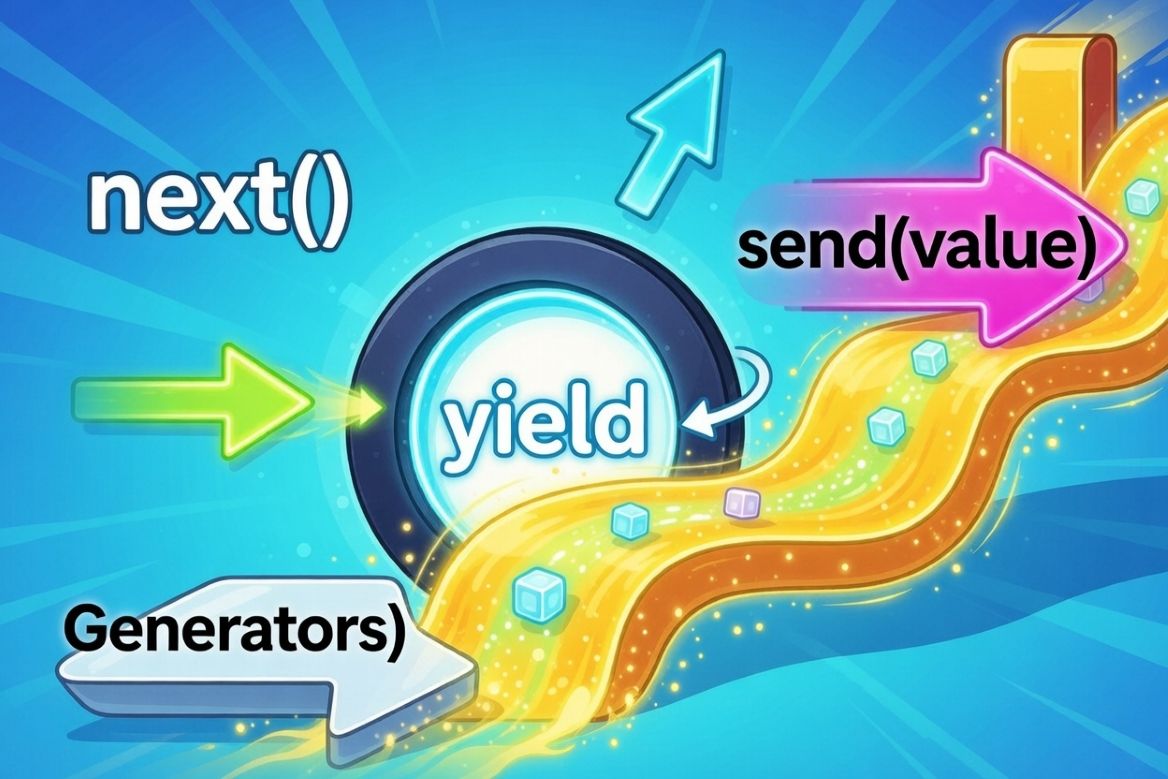
Python Generators: The Secret to Efficient Iteration
Have you ever come across a need to create iterators to process large datasets or to stream data in a concise and memory-efficient manner? As a simple example, imagine that you need to process 1 billion numbers. The naive way of doing this would be something as shown below.
# Create a list with the given size in memory
def get_numbers(n):
    numbers = []
    for i in range(n):
        numbers.append(i) # Remember, appending here is going to explode the memory!!
    return numbers

numbers = get_numbers(1000000000)  # Happily eats ~8GB of RAM!
for num in numbers:
    print(num)
Although the above code looks simple and does the job (seemingly), and is easy to understand for anyone with basic Python knowledge, it is going to eat ~8GB of your computer’s RAM. The reason is the creation of a list of 1 billion numbers at first. But trust me, there is a far more efficient way to do this using one of the most powerful features of Python!
Understanding Python Generators
Python generators are a powerful feature that allows us to create iterators in a concise and memory-efficient way to make our code more performant. At the core of it, generators are iterators that produce values lazily — i.e., they do not store the entire sequence in memory at once; rather, they produce one value at a time! Sounds simple? Yes, it is!
Due to the power of generators, we can handle extremely large or even infinite sequences without exhausting memory. In addition, this makes our code more minimalist and cleaner than having to use classes with iterators. There are two main ways to create generators in Python:
- Generator functions
- Generator expressions
1. Generator functions
Although generator functions look like normal functions, there is a key, game-changing keyword that makes all the difference - yield instead of return. Let’s take a look at the below two functions and compare their output.
def with_return():
    print("Starting")
    return 1
    print("This never runs")
    return 2

# Return: runs once, gives one value, done
result = with_return()
print(type(result)) # <class 'int'>

print(result)  # 1
In the above code, the Python interpreter never reaches the code after the return 1 statement, and the with_return function will always return 1. But we can change this with the keyword yield.
def with_yield():
    print("Starting")
    yield 1
    print("Between yields")
    yield 2
    print("Ending")
    yield 3

gen = with_yield()
print(type(gen))  # <class 'generator'>  -- Note this is of type generator!

print(next(gen))  # Starting, then prints 1
print(next(gen))  # Between yields, then prints 2
print(next(gen))  # Ending, then prints 3
As you can see above, yield produces a value and pauses the function, and it resumes from where it left off when we call next() on it. We could run a for loop on the above generator as well.
gen = with_yield()
for i, val in enumerate(gen):
    print(f"{i}-{val}")

# The output from this is as follows.
# Starting
# 0-1
# Between yields
# 1-2
# Ending
# 2-3
From the output of the above code, you can see that, in the for loop, the progression from one yield to the next happens along with the print statements from the with_yield function.
Let’s take a look at another example of a generator that can count down a number.
def countdown(n):
    print("Starting countdown")
    while n > 0:
        print(f"About to yield {n}")
        yield n
        print(f"Resumed after yielding {n}")
        n -= 1
    print("Countdown finished")

# Creating the generator doesn't run any code!
gen = countdown(3)
print(f"Generator created: {gen}")
print()

# Each next() call runs until the next yield
print("First next():")
print(next(gen))
print()

print("Second next():")
print(next(gen))
print()

print("Third next():")
print(next(gen))
print()

print("Fourth next() - will raise StopIteration:")
try:
    next(gen)
except StopIteration:
    print("Generator exhausted!")


#  Output:
# Generator created: <generator object countdown at 0x...>

# First next():
# Starting countdown
# About to yield 3
# 3

# Second next():
# Resumed after yielding 3
# About to yield 2
# 2

# Third next():
# Resumed after yielding 2
# About to yield 1
# 1

# Fourth next() - will raise StopIteration:
# Resumed after yielding 1
# Countdown finished
# Generator exhausted!
2. Generator expressions
Have you seen list comprehensions in Python? They are a minimalist way to create a list. Example:
squares_list = [x*x for x in range(5)]
print(squares_list) # [0, 1, 4, 9, 16] -- we can see the elements of the list because it is fully created in memory
Generator expressions are like list comprehensions, but with parentheses instead of square brackets. The output is not a list, but a generator object.
squares_gen = (x*x for x in range(5))
print(squares_gen) # <generator object <genexpr> at 0x000001D..> -- we cannot see the elements yet!
In order to see the elements, we have to iterate the generator object, because that is the only time the objects (int in this case) are added to the collection.
for val in squares_gen:
    print(val)

# output
# 0
# 1
# 4
# 9
# 16
Since generators don’t store all the values in memory, they are extremely memory-efficient. Let’s compare a list with an equivalent generator.
import sys

my_list = list(range(1000000))
my_gen = (x for x in range(1000000))

print(sys.getsizeof(my_list))  # ~8000056 bytes
print(sys.getsizeof(my_gen))   # ~192 bytes
Practical examples of Generators
Let’s have a look at some practical examples of Python generators.
1. Reading Large Files
Sometimes, it is not feasible to load an entire large file into memory to do the processing. Therefore, the code below is a bad practice.
# Bad: Loads entire file into memory
def read_file_bad(filename):
    with open(filename) as f:
        return f.readlines()  # All lines at once
The better way of doing this efficiently is by yielding one line at a time.
# Good: Yields one line at a time
def read_file_good(filename):
    with open(filename) as f:
        for line in f:
            yield line.strip()

for line in read_file_good('huge_log.txt'):
    if 'ERROR' in line:
        print(line)
2. Generating infinite sequences
Since generators only produce values on demand, they can generate infinite sequences without causing a MemoryError. Example: creating a generator for a Fibonacci sequence.
def fibonacci(n):
    a, b = 0, 1
    for _ in range(n):
        yield a
        a, b = b, a + b

for num in fibonacci(10): # Gets the first 10 numbers from the Fibonacci sequence
    print(num)
3. Pipelining Data Processing
You can chain multiple generators together to create a data processing pipeline without having to store data for each stage separately. This is a highly memory-efficient way of processing data. Shown below is an example that filters error logs from a huge log file without compromising memory - because of the use of generators, the memory usage is constant regardless of the size of the log file.
def read_logs(filename):
    """Stage 1: Read lines from file"""
    with open(filename) as f:
        for line in f:
            yield line.strip()

def parse_logs(lines):
    """Stage 2: Parse each line into dict"""
    for line in lines:
        parts = line.split('|')
        if len(parts) == 3:
            yield {
                'timestamp': parts[0],
                'level': parts[1],
                'message': parts[2]
            }

def filter_errors(logs):
    """Stage 3: Filter only ERROR level"""
    for log in logs:
        if log['level'] == 'ERROR':
            yield log


# Chain generators together - processes one item at a time!
pipeline = filter_errors(
                parse_logs(
                    read_logs('app.log')
                )
            )

# Only now does processing happen, one item at a time
for error in pipeline:
    print(error)
4. Convenient Alternative for Writing Iterators
Have a look at the iterator class below to do a countdown.
class Countdown:
    """Manual iterator"""
    def __init__(self, start):
        self.current = start

    def __iter__(self):
        """Return the iterator object (self)"""
        return self

    def __next__(self):
        """Return next value or raise StopIteration"""
        if self.current <= 0:
            raise StopIteration

        self.current -= 1
        return self.current + 1

# Use it like any iterable
for num in Countdown(5):
    print(num)  # 5, 4, 3, 2, 1
A generator can perform the same task as the iterator class above, in a more minimalist way.
def countdown(start):
    while start > 0:
        yield start
        start -= 1

for num in countdown(5):
    print(num)  # Same output, way less code!
Advanced Generator Techniques
In all the examples above, you have seen generators yielding values. But there are more advanced techniques for working with generators.
1. Delegating with yield from
yield from is a syntax used for delegating the operations of one generator to another. It performs several complex tasks automatically and simplifies the interaction between the caller and the sub-generator or iterable.
Example 1: Flattening nested iterables
def sub_generator():
    yield 1
    yield 2

def main_generator():
    yield 0
    yield from sub_generator()  # Delegates to sub_generator
    yield from [3, 4]           # Works with any iterable, like a list
    yield from range(5, 9)
    yield 10

print(list(main_generator())) # output [0, 1, 2, 3, 4, 5, 6, 7, 8, 10]
Let’s have a look at another example to flatten a nested list.
ls = [1, 2, [3, 4], [5, [6, 7, [8, 9], 10], [11, 12]], 13]

def traverse_list(seq):
    for elem in seq:
        if isinstance(elem, list):
            yield from traverse_list(elem)
        else:
            yield elem

for x in traverse_list(ls): # traverse_list returns a generator, and upon iteration via the for loop it outputs the values
    print(x)
Example 2: Recursive Tree Traversals
def traverse_tree(node):
    if node is not None:
        # Recursively delegate to the left child
        yield from traverse_tree(node.left)
        # Yield the current node's value
        yield node.value
        # Recursively delegate to the right child
        yield from traverse_tree(node.right)

traverse_tree(root) # This will perform an inorder traversal of a binary search tree
2. Sending values into generators
In all the above examples, we have seen generators generating values for us. But generators can receive values as well, using the send() method. Let’s take a look at an example.
def echo_generator():
    while True:
        received = yield  # Pause and wait for a value
        print(f"Received: {received}")

gen = echo_generator()
next(gen)  # Prime the generator (run to first yield)

gen.send("Hello")   # Received: Hello
gen.send("World")   # Received: World
gen.send(42)        # Received: 42
As you can see, the received = yield statement pauses execution and waits for a value until we call gen.send(), then continues. Using this pattern, we can create a coroutine to calculate a running average, as shown below.
def running_average():
    total = 0
    count = 0
    average = None

    while True:
        value = yield average  # Yield current average, receive new value
        total += value
        count += 1
        average = total / count

avg = running_average()
next(avg)  # Priming the generator - i.e. advancing it to the first yield expression

print(avg.send(10))   # 10.0
print(avg.send(20))   # 15.0
print(avg.send(30))   # 20.0
print(avg.send(40))   # 25.0
3. close() on generators
close() can be used to stop a generator early under specific conditions. Internally, it raises a special exception called GeneratorExit inside the generator. One example of where this is useful is for performing resource cleanup.
def file_reader(file_path):
    f = open(file_path)
    try:
        for line in f:
            yield line
    finally:
        print("Closing file")
        f.close()

g = file_reader("test.txt")

print(next(g))
print(next(g))
g.close() # call close() on the generator object, causing it to reach the *finally* section inside the file_reader method
Thank you!
I hope you have learned something useful from this blog post that you can directly apply in your day-to-day development workflows. Generators in Python are one of the fundamental and powerful features, as they can greatly improve the memory utilization and performance of your applications. I wish you all the very best for your projects!